-
10 Killer Marketplaces for Selling Digital Goods
Digital products can’t be held or touched, but today, everyone consumes them – from eBooks to audio to downloadable software, we want them all. For entrepreneurs, selling digital products have many advantages. Inventory never becomes an issue, there’s no need to find a place to store your products and in most cases, customers can get their product immediately upon purchase. Looking to sell your digital products online and wondering which marketplace you should sell on? Look no further! We recently put together a list of 12 killer marketplaces that fit the bill. Each marketplace caters to different industries and product offerings, but each can help you build a page, post…
-
The 12 Most Popular Digital Products You Can Sell Online
Selling physical products, whether handmade by the designer, or created by someone else and onsold, is highly changeable, and extremely time-consuming. There are the added complexities of shipping, international customers, taxes, laws, importing, inventory management, and so on. Digital products, however, are in a league of their own. In comparison, digital products are easy to distribute, significantly more sustainable, can be replicated infinitely, and are oftentimes simpler to create. With little more than one or a few devices, any person is capable of making a digital product worthy of sharing or selling. No physical materials, factories, or staff required. Just a computer, a sprinkle of passion and drive, and some…
-
Top 17 Platforms for Selling Digital & Downloadable Products 2019
Starting an online business has never been easier. In fact, it’s not so much about starting the business as it is about knowing what exactly you wish to sell, and the way you wish to sell it. Services like writing, marketing and design, and development work are amongst the most popular between freelancers. But then, there are things like eBooks, books, in fact, all physical items, as well as digital goods, that can be sold and purposed online through a specific sales page. Learning to sell digital products is a great way to secure extra cash inflow. Webmasters, bloggers, writers, anyone with a website can become a digital product seller.…
-
Why Digital Goods Are on a Rise Amidst the Pandemic
Digital Good Startup Depending on who you ask, we either live in the coolest era ever, or these last couple of decades have been the worst thing that has happened since the dinosaurs went extinct. One thing is certain, though — the internet definitely changed the world in every way imaginable. And, one huge benefit is the appearance of digital goods. Digital goods are all the goods that can be sold and used, as the word says, digitally, in electronic format, to be precise. Basically, anything downloaded or received via email is a digital good: eBooks Music & Audio Software Memberships Web elements Courses and webinars Photography Professional services…
-
Daruma Dolls That Will Definitely Shock You
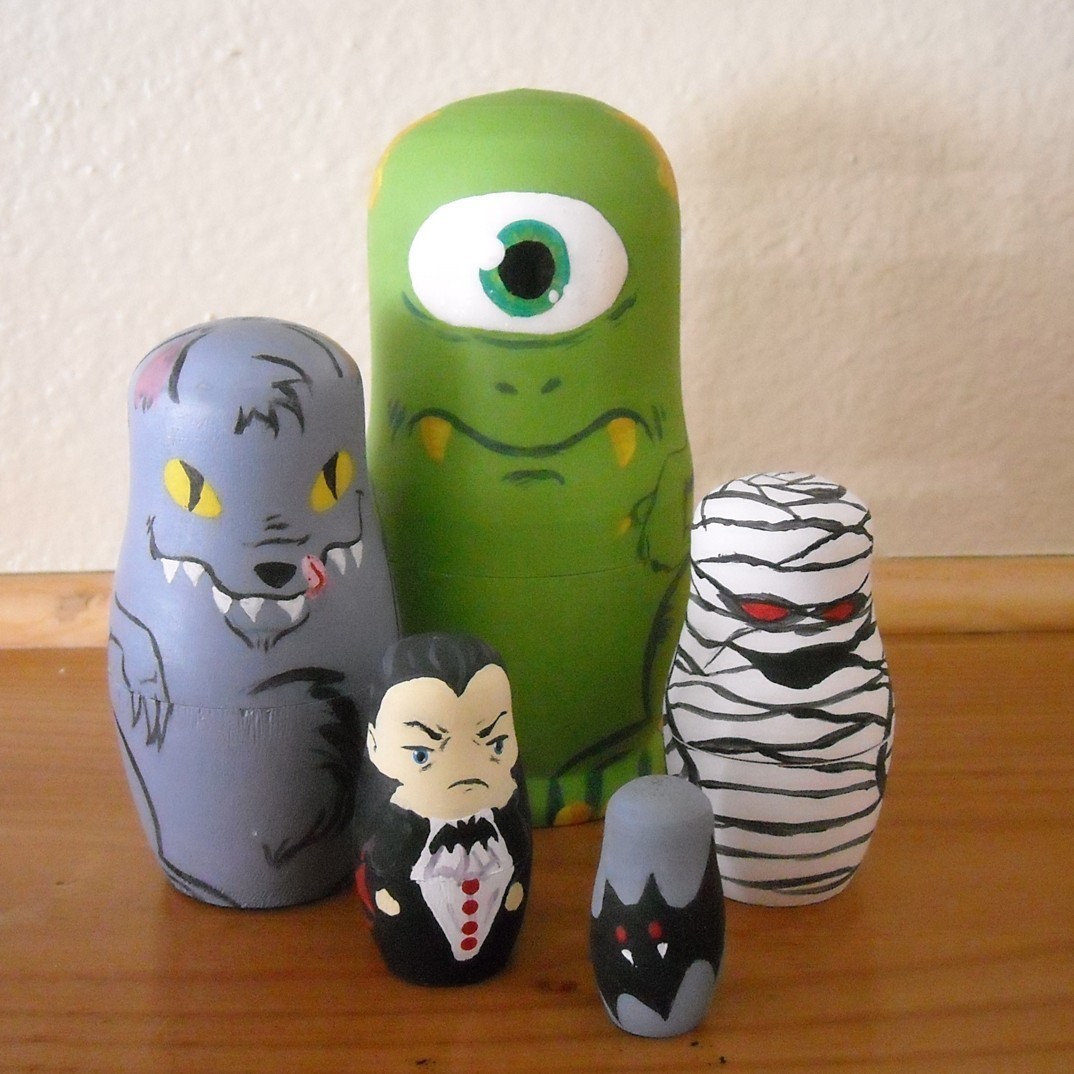
Quick time changes a lot, but there are traditions that have been preserved for centuries. For example, the technology of manufacturing Russian daruma, created in the late 19th century and for many years brought almost to perfection, as well as giving dolls as marriage gifts. Not every tree is good for daruma Yes, it is necessary to choose wood for the production of dolls very carefully and thoughtfully! The material should be soft, but not ìflowingî, not prone to cracking and color change, with a beautiful texture. Most often, the dolls are cut from linden, but birch or alder are suitable for this purpose. In any case, the wood should…
-
4 Amazing Features About Onesies You Are Dying To Know
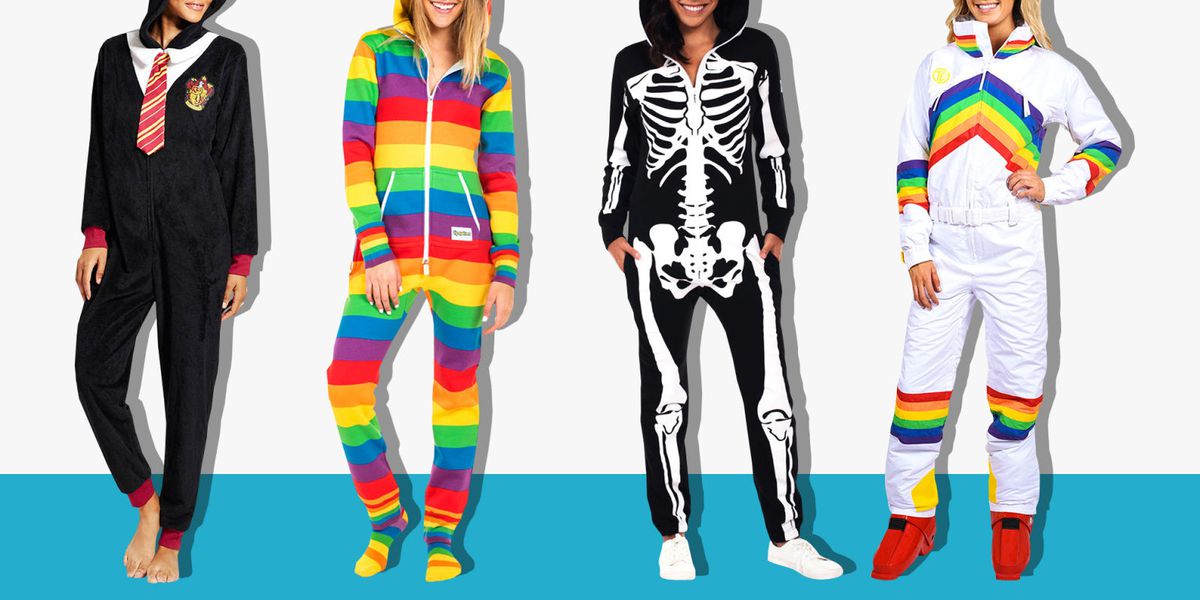
The name Onesies comes from the Japanese word kiru (to wear) and the noun nuigurumi (soft toy), and accordingly means to wear a soft toy. Initially, this fashion originated in Japan and was designed to destroy the boundaries between classic boring clothes, scary-themed costumes, and bright epozhet. Besides the fact that Onesies is pajamas, it is also casual wear. It is quickly worn, easily fastened with buttons or zipper, and now your seemingly ordinary day turns into every minute colorful pleasure. Onesies pajamas are made of soft hypoallergenic fleece, and their free cut makes you feel comfortable in a bed or just at home, on a picnic or in a…
-
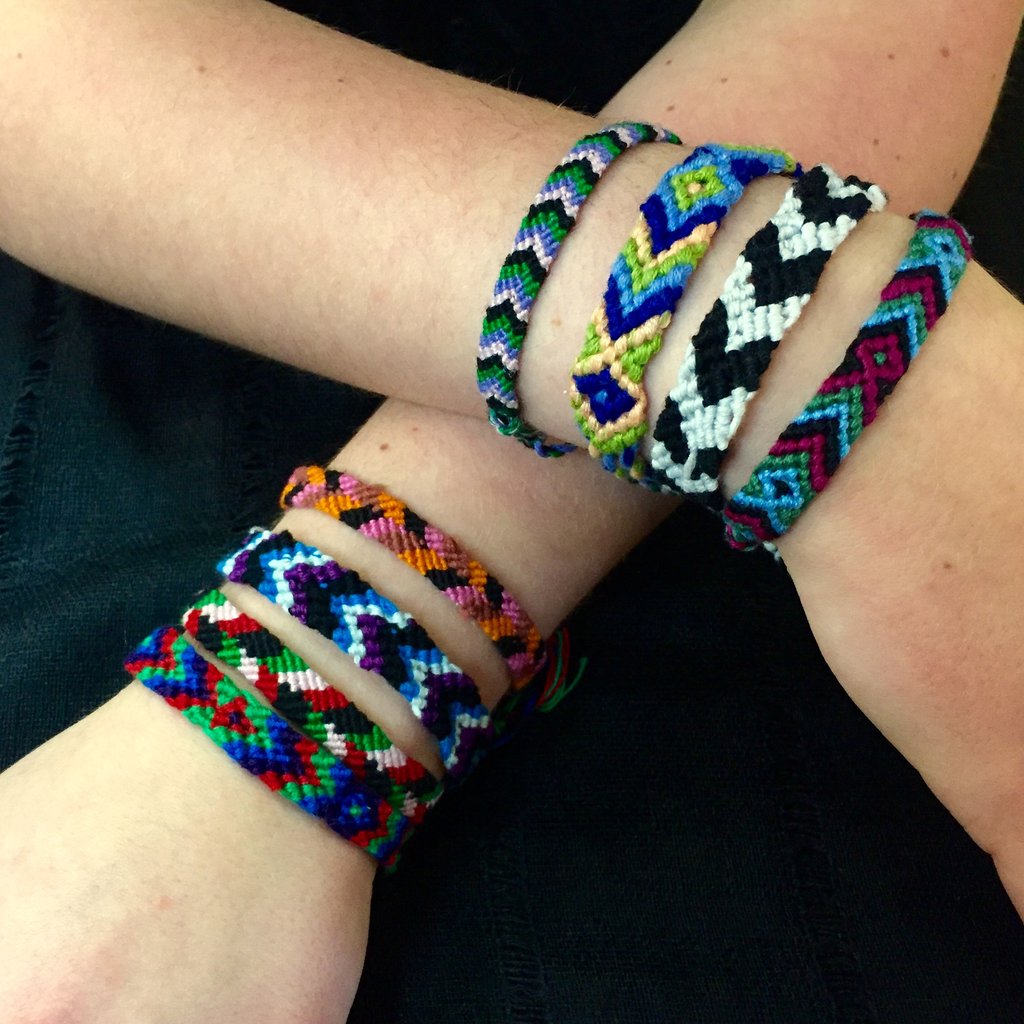
3 Reasons to Be Addicted to Friendship Bracelets
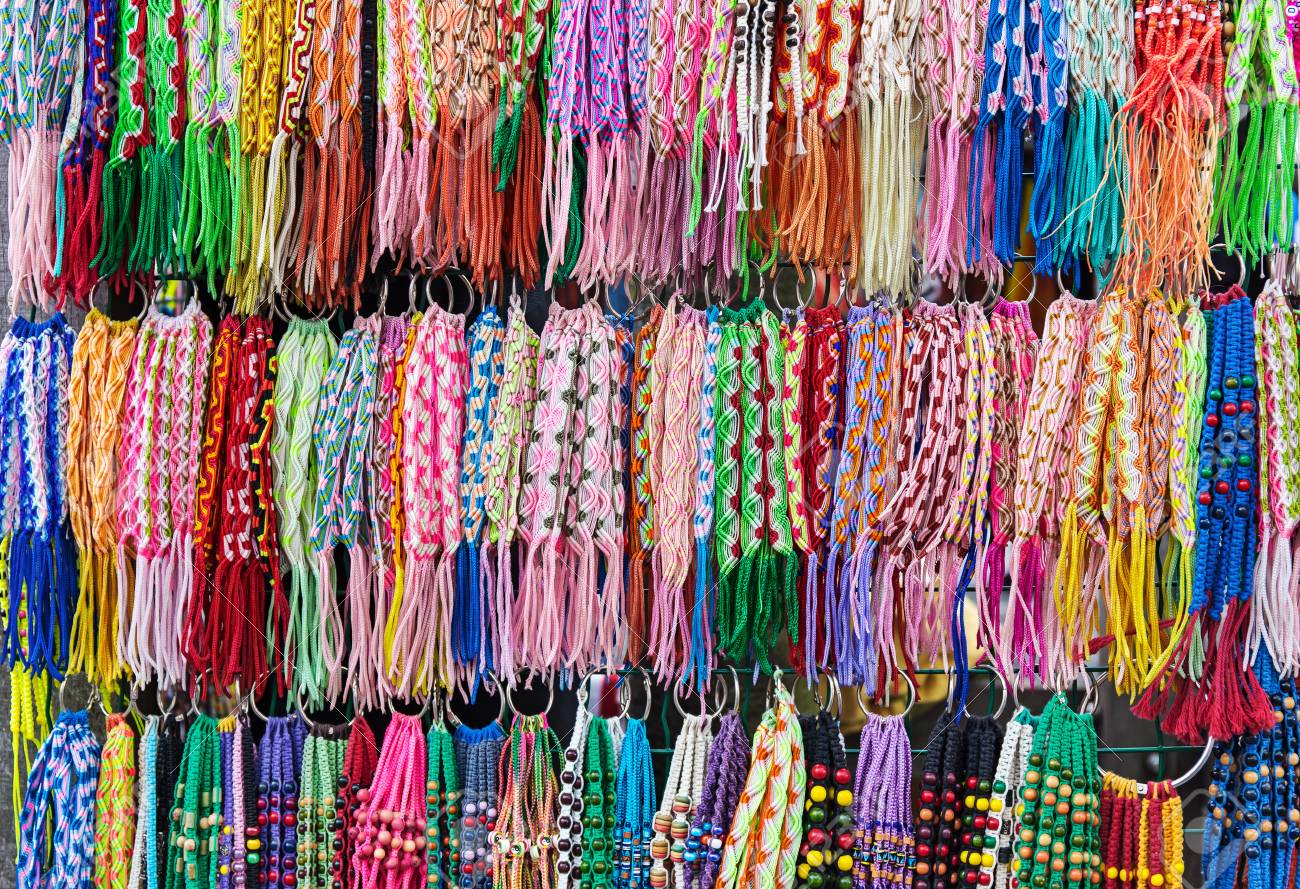
One of the oldest jewelry is considered to be a bracelet. The first of them appeared during the Paleolithic era and were made of mammoth tusks. But like everything in our world does not stand still, bracelets also kept pace with the times, and the material for their manufacture changed with each century. The name customary to us is that modern bracelets are found thanks to the French bracelet, which means wrist, where it is supposed to be worn. Although quite often, women’s gold bracelets can be located on the shoulder and ankles. Where it will be comfortable to wear it, everything depends on the wishes of its happy owner…
-
Types of friendship bracelets
Origin of friendship bracelets: how to choose yours In Indian tribes, it was customary to exchange thread bracelets, and after this exchange the Indians were considered named brothers. There were different types of friendship bracelets too. The bracelet made of threads was not only a symbol of friendship, but also a talisman from evil or an amulet for the fulfillment of desires. The donor tied three knots on the bracelet of his brother or sister named and made a wish for him on the last knot. Here you can find a close connection with nodular magic. It is known that with the help of nodes with the right approach, you…
-
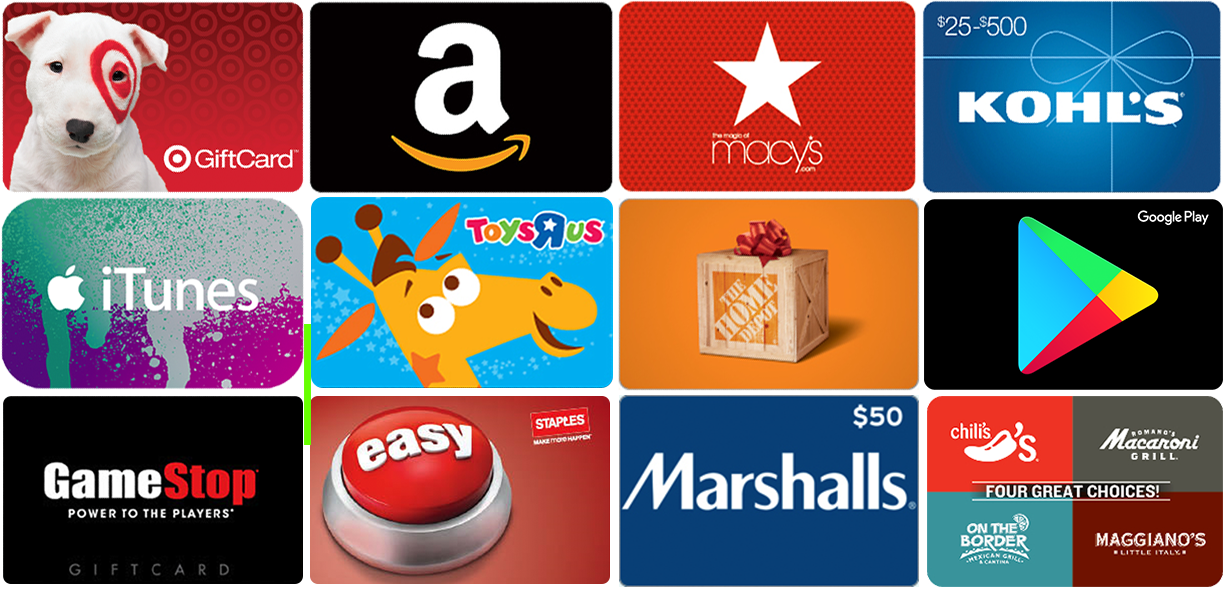
What are the pros and cons of gift cards?
Almost all retailers offer consumers gift cards as a way to shop or give money to friends, both in the online and brick-and-mortar variety. There are two types of gift cards – physical and digital (e-gift cards) – and each comes with a wide range of features and benefits. Companies such as Amazon, Walmart and Target allows consumers to purchase physical cards as well as to load online or digital accounts. These digital accounts have features that allow users to print gift cards from digital devices such as a smartphone or computer, and then redeem them at brick-and-mortar outlets or spend the balances online using an app or through a…
-
Scrap the Gift Card, Here are Last Minute Digital Gift Ideas
It’s crunch time: Christmas is just around the corner, and you still haven’t gotten a gift for the last few people on your gift list. While they may still be on Santa’s “nice” list, Santa’s just moved you to the “naughty” list. Tsk tsk. It may be too late for you to order something online — it wouldn’t arrive on time, unless your recipient is ok with getting a gift long after Christmas. Wouldn’t it be awkward if they got something for you, and you have nothing for them? What would you give them, a generic gift card, which is only marginally more thoughtful than giving cash? Forget about going…